
TheOptimizer has a direct integration with Ads RSOC meaning that you can connect your accounts in a few simple steps and benefit from our platform’s automatic revenue data update & campaign automation rules.
 NOTE: If you are using a tracker like ClickFlare to track the revenue from Ads RSOC, and have already connected ClickFlare to TheOptimizer, then you do not need to also connect Ads RSOC. TheOptimizer will pull revenue and conversion data from your tracker (ClickFlare).
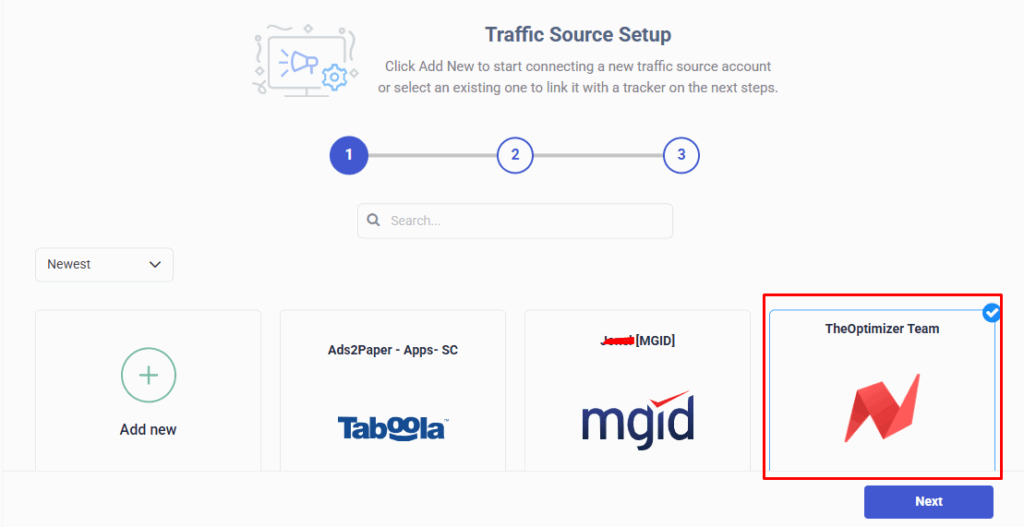
Step 1: On Account Wizard, select one (or multiple) NewsBreak ad accounts to connect to Ads.com and click on “Next“.
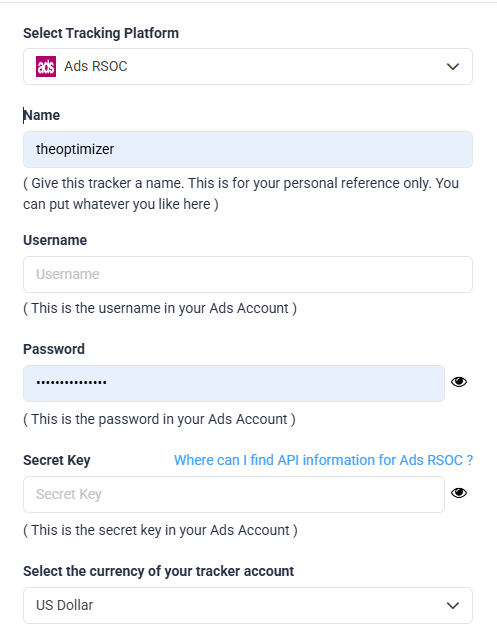
Step 2: Now, you need to connect your Ads RSOC account. Click on “Add new” and select Ads RSOC from the drop-down list that appears. You will be asked to fill in some information about your account to proceed.
NOTE: Select an easily recognizable account nickname, and place your account username and password here. You need to contact your Ads RSOC account manager for the Secret Key that will finalize the connection. After you have filled in all the required information, click Save to proceed to the final step in TheOptimizer.
Step 3: Now, it’s time to connect your selected NewsBreak accounts to Ads RSOC. For this step, you simply need to specify which Ads RSOC subids you are using to pass traffic source macros back to Ads RSOC. A possible configuration is shown below:
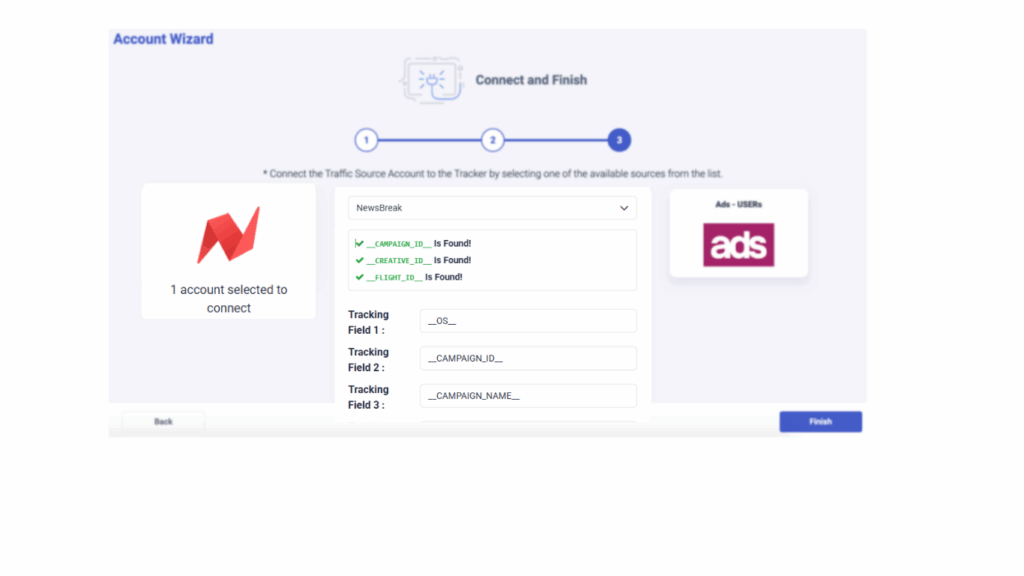
Step 4: Always remember to update the current and future campaign links with the following tracking code (based on the example above):
subid1=__CAMPAIGN_ID__&subid2=_CREATIVE_ID_&subid3=__FLIGHT_ID__