Give Your Team Access Without Losing Control

Invite media buyers, account managers, or collaborators into TheOptimizer and give each person access only to the ad accounts they need. No shared logins, no unnecessary access, no messy handoffs.
7-day free trial
Cancel Anytime
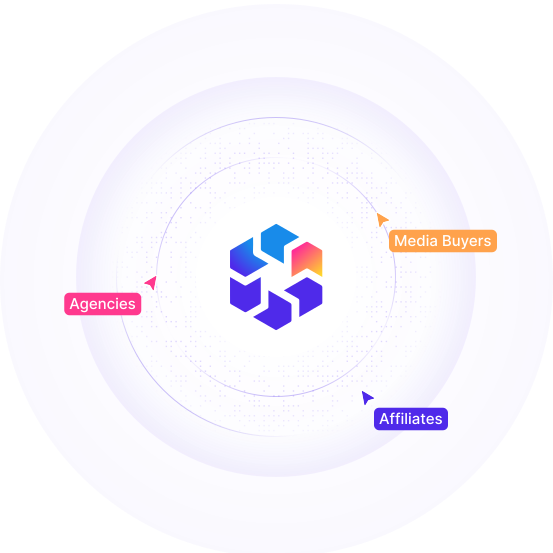
TheOptimizer logo at the center of a network diagram connecting to Agencies, Media Buyers, and Affiliates, with a row of team member avatars above showing five additional collaborators

Control Who Can Work on Each Ad Account

Our multi-user helps agencies, affiliates, and performance teams collaborate inside TheOptimizer while keeping account access organized and secure.

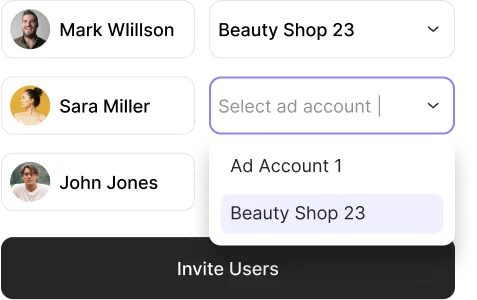
Assign Access by Ad Account

Give each team member access only to the ad accounts they manage. Keep client accounts, buyer accounts, or business units separated inside the same workspace.
Team access table showing Mark Willson assigned to Beauty Shop 23, Sara Miller and John Jones with an account selection dropdown open showing Ad Account 1 and Beauty Shop 23, with an invite users button

Protect Campaign Data

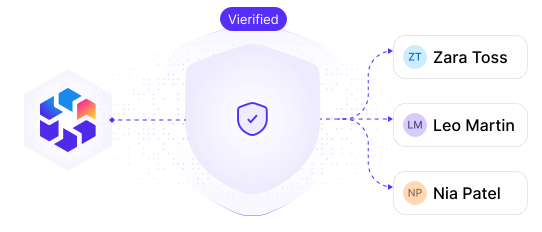
Limit unnecessary access to sensitive campaign performance, account data, and optimization workflows. Give your team visibility where they need it, not everywhere.
Diagram showing TheOptimizer logo connected through a verified shield icon to three team members, Zara Toss, Leo Martin, and Nia Patel, representing controlled access to campaign data

Collaborate Without Shared Logins

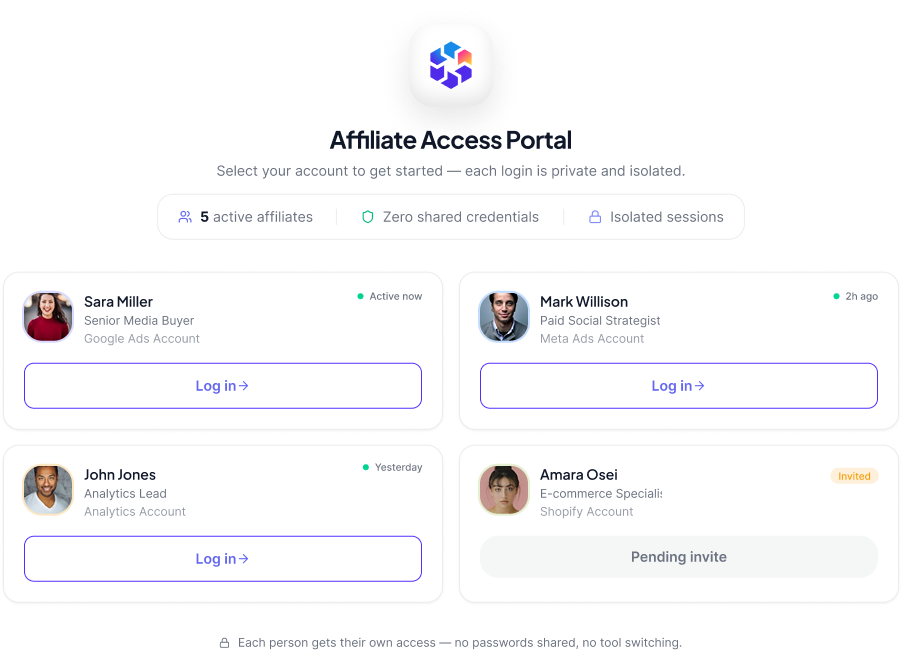
Stop sharing passwords or switching between disconnected tools. Invite your team directly and let each person work inside the accounts assigned to them.
Login screen showing three team members, Sara Miller, Mark Willson, and John Jones, each with their own account name and a login button, with a note that each person gets their own access without sharing credentials

Keep Teams Organized

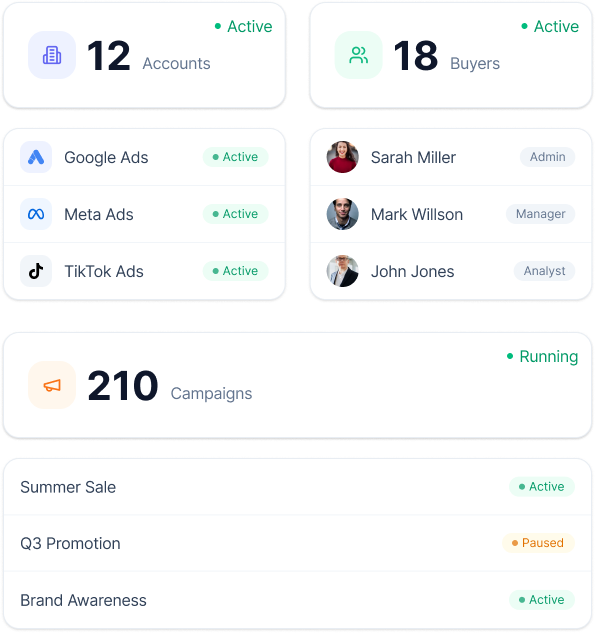
Manage more accounts, more buyers, and more campaigns without losing track of who is responsible for what.

Team overview dashboard showing 12 active accounts, 18 active buyers, and 37 running campaigns, with a list of accounts including Google Ads, Meta Ads, and TikTok Ads, each linked to a buyer and a campaign

Set Up Team Access in Minutes

Invite your team
Add media buyers, account managers, or collaborators to your workspace.
Assign ad account access
Choose which ad networks and ad accounts each person has access to.
Manage campaigns together
Let your team analyze, launch, automate, and monitor campaigns from the ad networks and ad accounts assigned to them.

Built for the Way Media Buying Teams Work

Agencies

Give your team members access only to the client accounts they manage.

Affiliate Teams

Separate buyers by ad account, vertical, traffic source, or campaign portfolio.

In-House Media Buying Teams

Organize access across brands, regions, teams, or business units.

Contractors

Invite external collaborators without exposing every ad account in your workspace.

Connected to the Work Your Team Already Does

Analyze, Optimize, and Scale from One Dashboard

Connect your ad platforms, analytics tools, and CRM data in one place. Use AI to uncover opportunities, execute optimizations, and automate repetitive work across multiple accounts.
Ask AI to uncover opportunities, execute optimizations, and automate repetitive tasks across all your accounts.
Combine Meta, analytics, and CRM data into custom metrics to power smarter decisions and automations.
Analyze performance across different time periods to detect trends, anomalies, and emerging opportunities.
Report across hundreds of accounts, clients, and currencies from one place.
Get Started for Free
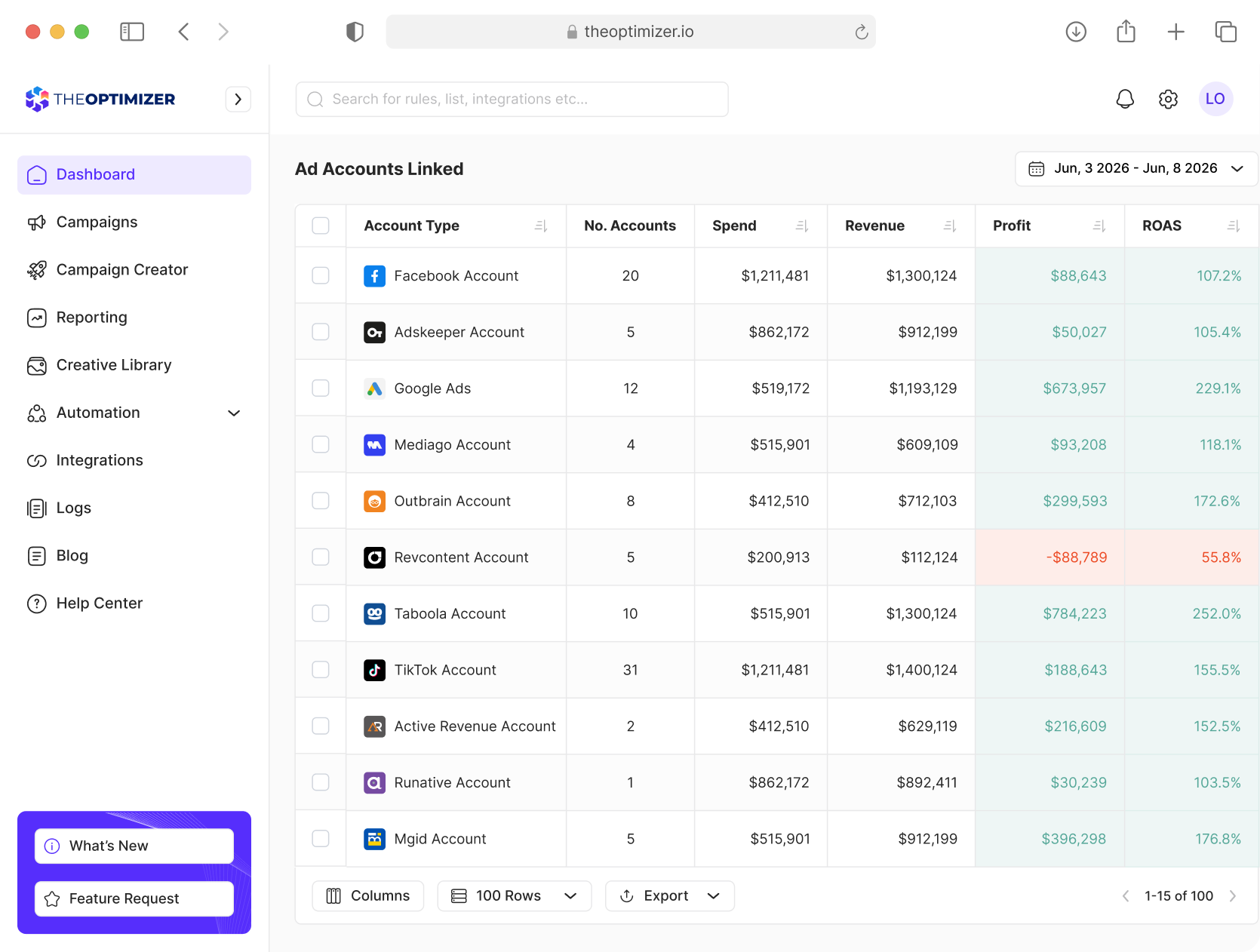
TheOptimizer dashboard showing ad accounts unified across multiple networks with spend, revenue, and profit columns for each connected account