How to Optimize Meta Ads Using Tracker Data (Not Just What Meta Reports)

Let me be direct here. If you're making optimization decisions based solely on what Meta Ads Manager tells you, you're working with incomplete data. And incomplete data leads to bad decisions.
This isn't about Meta being dishonest. It's about how attribution works (and doesn't work) in 2026. Meta uses a modeled attribution system that estimates conversions based on signals it can collect. After iOS privacy changes, a significant portion of conversion data is modeled rather than directly measured. This means the CPA and ROAS you see in Ads
Manager is an approximation, not a confirmed number.
For DTC e-commerce brands running direct purchases through Shopify, the gap might be manageable. You can cross-reference with Shopify data and get a reasonable (not perfect) picture.
But for affiliate marketers, lead generation buyers, and arbitrage players? The gap can be enormous. The real revenue data lives in your tracker, your CRM, or your upstream provider dashboard. Not in Meta.
I've seen campaigns where Meta reported a 2x ROAS while the tracker showed -20% ROI. And I've seen the opposite, where Meta showed a losing campaign that was actually profitable according to the tracker. In both cases, optimizing based on Meta's numbers alone would have been the wrong move.
Check out: “Training: From Launching to Scaling Profitable Search Arbitrage Campaigns on Meta Ads”
I've seen campaigns where Meta reported a 2x ROAS while the tracker showed -20% ROI. And I've seen the opposite, where Meta showed a losing campaign that was actually profitable according to the tracker. In both cases, optimizing based on Meta's numbers alone would have been the wrong move.
The Gap Between Reported and Real Revenue
Let me give you some concrete examples of why this gap exists.
Delayed attribution. Meta can take up to 72 hours to attribute a conversion. During that time, your dashboard shows incomplete data. If you make optimization decisions during this window (which most people do), you're acting on partial information.
Modeled conversions. A percentage of the conversions Meta reports are estimated, not directly tracked. The percentage varies by account and campaign, but it can be significant. You have no way to distinguish modeled from real conversions in Ads Manager.
Cross-device gaps. A user sees your ad on mobile but converts on desktop. Meta may or may not attribute this correctly depending on whether the user is logged in, cookie consent, and other factors.
Revenue accuracy for non-standard flows. For search arbitrage campaigns, the revenue per click varies based on the search keywords the user engages with. Meta has no visibility into this. For lead gen, the quality of the lead (and whether it converts downstream) isn't reflected in Meta's data.
This is especially relevant for search arbitrage campaigns where the conversion payout can vary from $0.01 to $1.50+ per click, and revenue confirmation takes 24 to 48 hours. Meta has zero visibility into this data
Bottom line:
Meta tells you what it thinks happened. Your tracker tells you what actually happened. If you're optimizing for profitability, you need to optimize on what actually happened.
How to Set Up Server-to-Server Tracking for Meta Ads
The solution is to use a third-party click tracker that sits between your Meta ad and your offer/landing page. This tracker captures every click, maps it to a conversion (when it happens), and records the actual revenue.Here's the basic flow:
Meta Ad → Tracker Click URL → Landing Page / Offer → Conversion fires back to Tracker → Tracker sends data to TheOptimizer
The tracker becomes your source of truth. It captures:
- Actual cost per click (from Meta's reporting)
- Actual revenue per conversion (from your offer, search feed, or CRM)
- Real ROI based on confirmed data, not estimates
Setting up the connection:
- Create your campaign in your tracker (Voluum, RedTrack, Binom, FunnelFlux, ClickFlare, etc.)
- Use the tracker's click URL as your ad destination in Meta
- Set up conversion postbacks from your offer/CRM to the tracker
- Connect both Meta and the tracker to TheOptimizer
- TheOptimizer pulls cost data from Meta and revenue data from the tracker, giving you accurate combined statistics
I walked through this exact setup in our search arbitrage autopilot case study, including the specific Voluum and Outbrain configurations. The same principles apply to Meta Ads.
Pro Tip:
When setting up conversion postbacks, use event-based postbacks instead of standard postbacks if your tracker supports it. This way, when you get confirmed revenue later, you can upload it as the main conversion without inflating the conversion count.
Building Automation Rules Based on Tracker Data
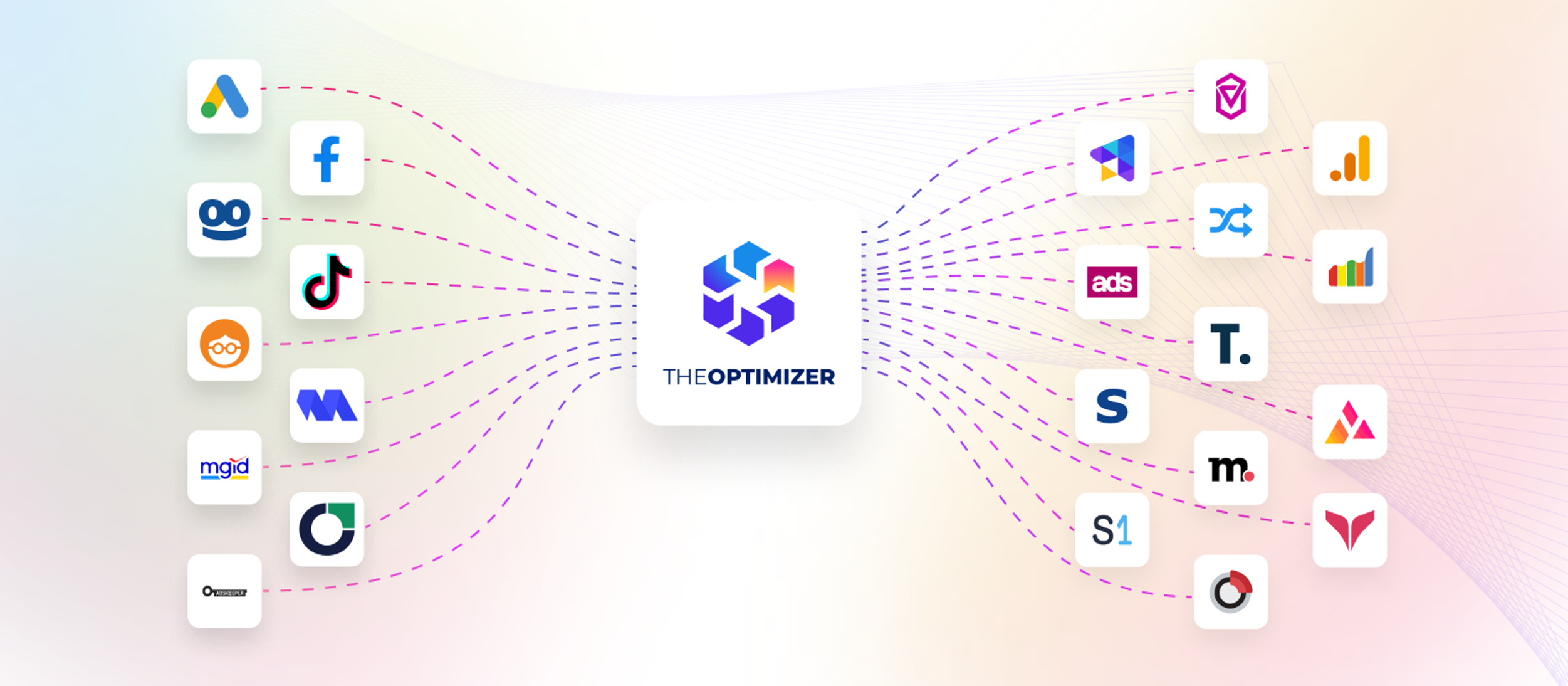
This is where the real power is. Once TheOptimizer has both Meta's cost data and your tracker's revenue data, you can build automation rules that use the combined, accurate statistics.Here are three examples:
Rule 1: Pause Campaigns Based on Real ROI
IF Tracker ROI (last 7 days, excluding today and yesterday) < -30%
AND Meta Spend > $X
THEN Pause Campaign
Notice the "excluding today and yesterday" condition. This is critical for campaigns where revenue confirmation is delayed (like search arbitrage). You don't want to pause a campaign based on incomplete revenue data from the last 48 hours.
Rule 2: Scale Based on Confirmed ROAS
IF Tracker ROAS (last 7 days, excluding today) > 1.5
AND Tracker Conversions > 10
THEN Increase daily budget by 20%
Execute 2 times per week
This rule only scales based on confirmed revenue, not Meta's modeled attribution. Much safer.
Rule 3: Adjust Bids Based on EPC
IF Tracker EPC (last 14 days, excluding today and yesterday) > $X
AND Tracker ROI > 0%
THEN No action needed (campaign is healthy)
IF Tracker EPC < $X AND ROI between -30% and 0%
THEN Set bid to 70% of EPC
This bid adjustment rule uses the actual earnings per click from your tracker to calibrate your Meta bids. You're essentially telling Meta: "I can afford to pay up to 70% of what each click actually earns me."
Handling the Revenue Confirmation Delay
One of the biggest challenges with tracker-based optimization is the revenue delay. Most search feed providers, CRMs, and affiliate networks don't confirm revenue in real-time. It can take 24, 36, or even 48 hours for revenue to be finalized.This creates a problem. If your automation rules look at today's data, the revenue column will be incomplete, making it look like you're losing money when you might actually be profitable.The solution is twofold:
1. Exclude recent days from ROI-based rules.
When building rules that use ROI, ROAS, or EPC, exclude Today and Yesterday from the calculation. This ensures the rules only act on confirmed, complete data.In TheOptimizer, this is a built-in feature. You can specify "Considering data from: Last 14 Days / Excluding: Today & Yesterday" directly in the rule conditions.
2. Use conversion rate for real-time rules.
Even though revenue is delayed, conversions (clicks on the search feed, lead form submissions, etc.) are typically reported within minutes. So for real-time protection, you can use conversion rate as a proxy:
IF Meta Spend > $X AND Tracker Conversion Rate < Y%
THEN Pause the campaign
This catches campaigns that aren't converting at all, without needing confirmed revenue data.
I covered this approach in detail in our data-driven campaign optimization guide, where I used the same dual-rule strategy for native ad campaigns.
3. Schedule automatic data pulls.
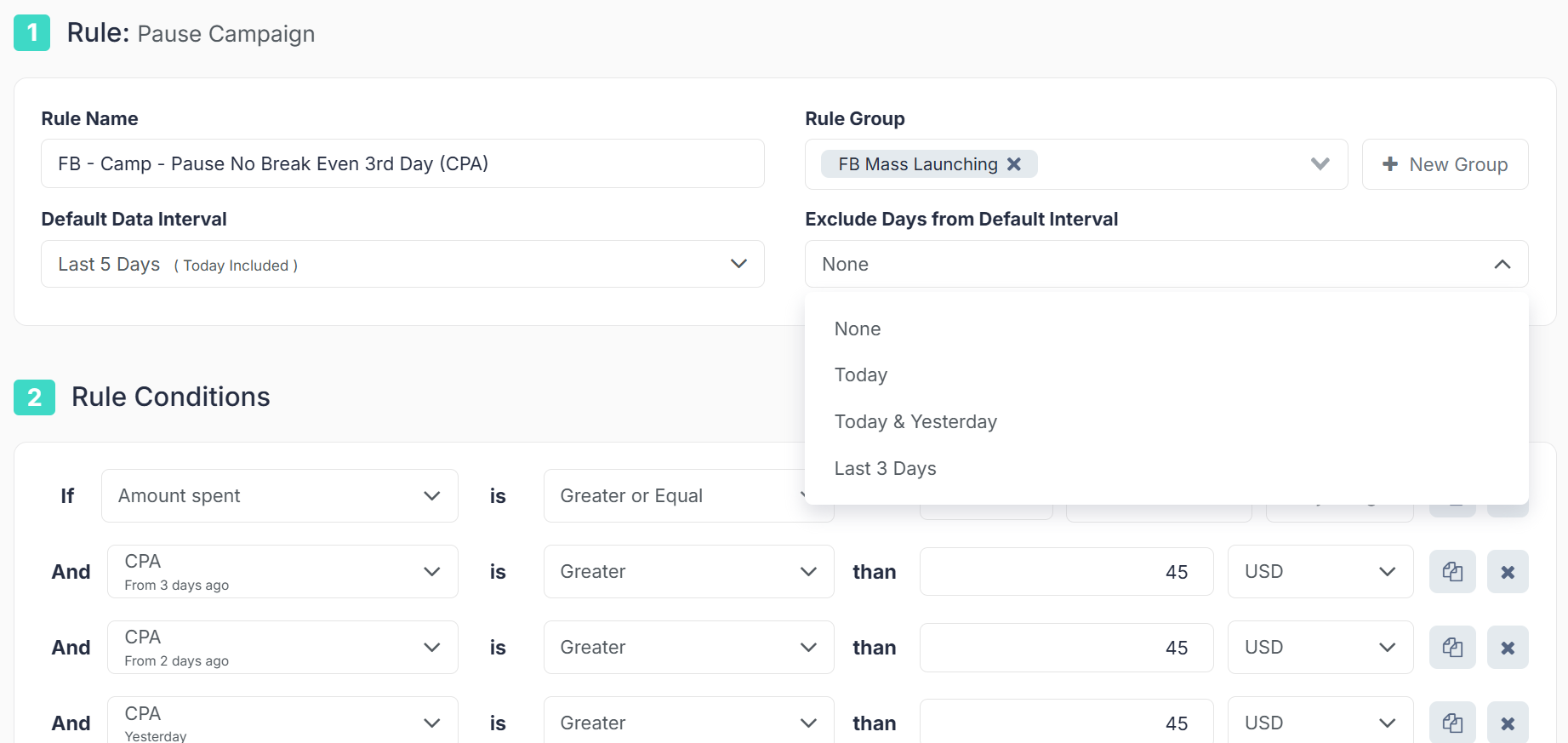
TheOptimizer has an Automatic Updates feature where you can schedule when the system pulls your tracker data. If you know your search feed provider confirms revenue by 6 PM daily, you can schedule TheOptimizer to pull data at 7 PM, then have your ROI-based rules execute at 8 PM. Everything stays in sync.
Supported Trackers and How They Connect
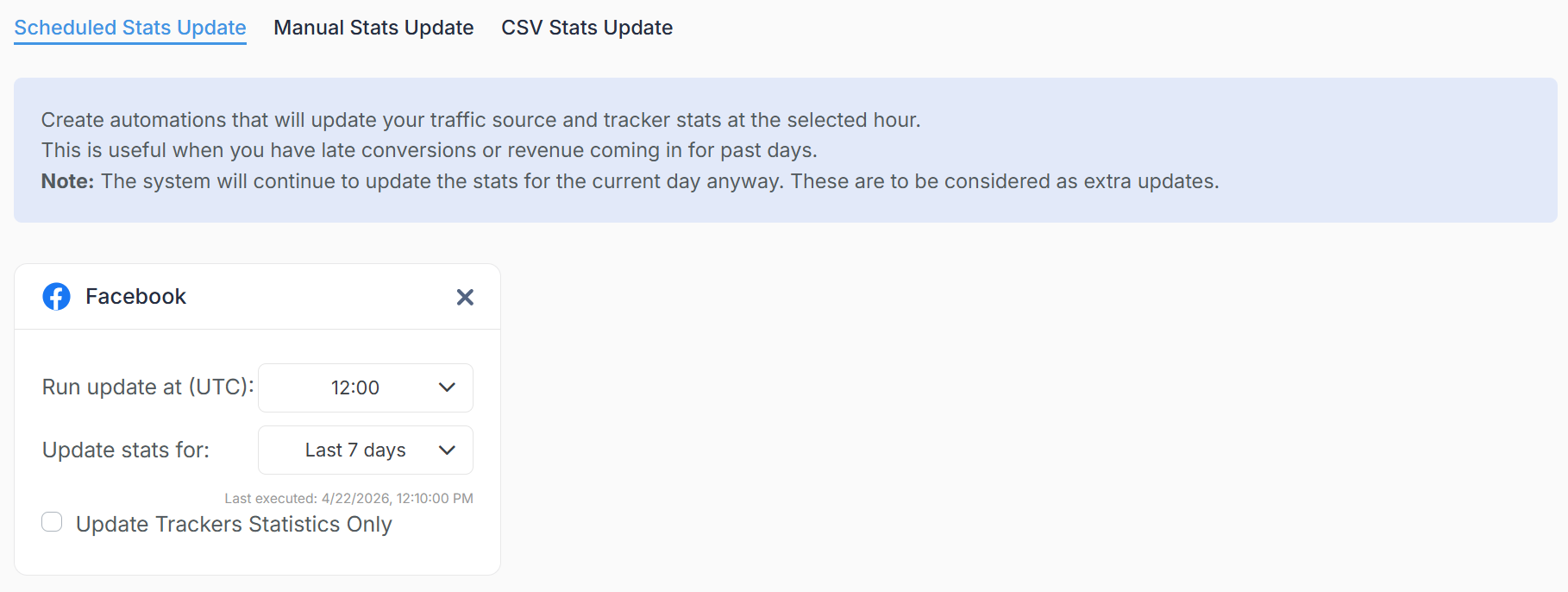
TheOptimizer integrates with the most popular trackers and search feed providers in the affiliate and performance marketing space:
- ClickFlare (highly recommended)
- Voluum
- RedTrack
- Binom
- FunnelFlux
Analytics:
- Google Analytics 4
Search Feed Providers:
- System1
- Tonic
- Sedo
- Media.net
- ...and many more from the integration with ClickFlare.
You can also upload stats via CSV if your data source doesn't have a direct API integration.The connection process for most trackers takes under 5 minutes. You enter your API credentials in TheOptimizer, select which campaigns to sync, and the data starts flowing.
FAQ
Can I use Meta's Conversions API instead of a third-party tracker?
CAPI (Conversions API) helps Meta receive better conversion signals for its own optimization algorithm. But it doesn't give YOU better data for your own decision-making. CAPI sends data TO Meta. A tracker captures data FOR you. They solve different problems and ideally you should use both.
What if my tracker and Meta show different conversion counts?
This is normal and expected. Meta uses its own attribution model (click-through and view-through windows) while your tracker typically uses last-click attribution. The numbers will rarely match exactly. The important thing is to be consistent about which source you use for optimization decisions. I recommend the tracker for ROI decisions and Meta for delivery optimization signals.
Is tracker-based optimization only useful for affiliates?
No. Any advertiser who has revenue data outside of Meta benefits from this approach. SaaS companies with long sales cycles, lead gen businesses where lead quality matters, e-commerce brands with complex attribution across multiple channels. If your real revenue doesn't match what Meta reports, tracker-based optimization makes your decisions better.
How much does a tracker cost?
Most trackers used for this purpose (Voluum, RedTrack, Binom) range from $90 to $300/month depending on your click volume. Compared to the optimization improvements you get from accurate data, the ROI on the tracker itself is typically very high.
Can I use Google Analytics instead of a dedicated click tracker?
You can, but it's limited. Google Analytics doesn't provide the granular click-level data that dedicated trackers do, and setting up proper server-to-server postbacks with GA is more complex. For basic revenue attribution it works, but for building automated optimization rules based on real-time tracker data, a dedicated tracker is much better.