
Where to Find Your API Credentials
Log in to Taboola Backstage → click your account name → My Account → go to API Management → generate your Client ID and Client Secret. Copy both values before closing the page.Connecting to TheOptimizer
Open the Integrations page
From the left-hand menu, go to Integrations. Find the Taboola card and click Connect →.
Enter Your API Credentials
Enter the credentials requested: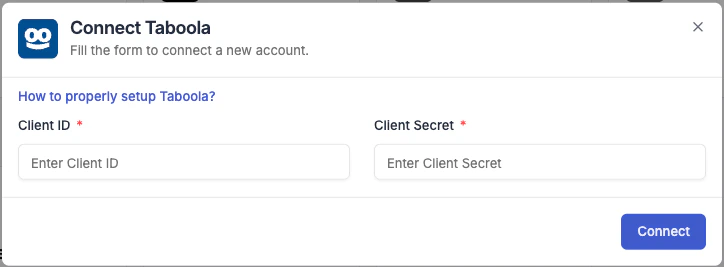
- Integration name — a descriptive label for this connection (e.g. “Taboola – Main Account”).
- Client ID — paste the Client ID from Taboola Backstage.
- Client Secret — paste the Client Secret from Taboola Backstage.
Next Steps
- Connect a tracking platform to bring conversion and revenue data into your campaign reports