The Best Bulk Facebook Ad Launcher: Every Way to Launch Campaigns at Scale

The Best Bulk Facebook Ad Launcher: Every Way to Launch Campaigns at Scale
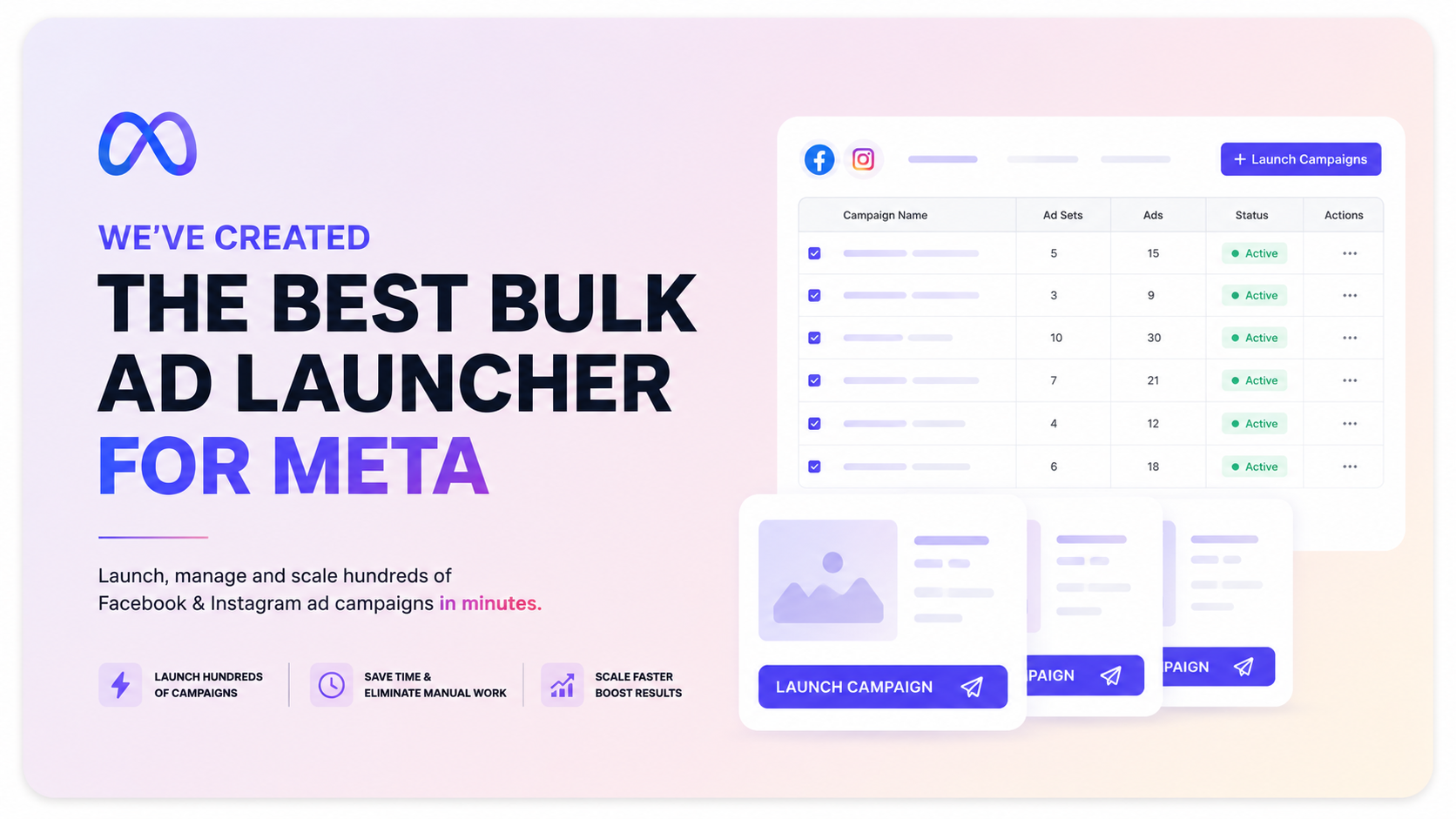
I'll say it plainly: we built the best bulk Facebook ad launcher that exists. Not a faster cloner that copies one campaign fifty times, but a launcher that handles the parts of a real launch that every other tool makes you do by hand. If you launch bulk Facebook ads at any real volume — isolated creative tests, localized offers per state, hundreds of ads with per-placement crops — this is the tool built for exactly that. And I'm confident enough to put a free year on it: find a bulk launcher that does everything below as well as this one, and we'll give you a full year of TheOptimizer free and build the feature you found into ours.
Prefer to skip ahead? Jump to the way you launch below, or start a free trial.
Why launching Facebook campaigns at scale is still painful
Facebook's Ads Manager is fine for one campaign with a few ads. It falls apart the moment you launch at volume. Testing fifty creatives the clean way means building fifty campaigns by hand. Running an offer in ten states means rebuilding the same structure ten times, then again next week with new creatives. Providing a proper image for every placement means editing placements ad by ad. Keeping a consistent naming structure means typing the same tokens hundreds of times and still getting it wrong. None of this is hard. It's just slow, repetitive, and easy to fumble — and every fumble (the wrong page, the wrong URL, an unedited placement) costs money.
Most 'bulk' tools only solve the easy half: they duplicate an identical campaign quickly. The launcher inside TheOptimizer was built to solve the hard half — the per-market, per-placement, per-creative work that doesn't clone. It's built for media buyers running real volume, agencies managing many accounts, and ecom or affiliate teams scaling offers across markets.
One launcher, every way you launch bulk Facebook ads
Each use case below is a real workflow media buyers run every day. Build it once, save it as a template, and every future launch becomes upload-and-publish in about a minute. Here's what this guide covers:
- 50 creatives into 50 separate campaigns — the 1‑1‑1 structure
- 50 creatives into 50 ad sets under one budget — the 1‑N‑1 structure
- Adding new creatives into an existing testing campaign
- Launching one offer in every market, localized
- Uploading localized ad sets per state into a live campaign
- Auto-matching image crops to placements by filename
- Turning off Advantage+ creative enhancements in bulk
- Launching the same structure across multiple ad accounts at once
Watch the walkthrough for the one that matches how you launch, then try it yourself on a free trial.
1. 50 creatives → 50 campaigns (the 1‑1‑1 structure)
What it does: Upload fifty creatives and the launcher generates fifty separate campaigns, one ad set and one ad each, fully isolated. When to use it: when you want a clean, fair test where Facebook can't starve the rest to feed one ad. Each creative gets its own budget and its own learning phase, so the winner is the winner because it earned it — not because delivery bias picked it. That budget isolation is the whole point of the 1‑1‑1 structure, and here it takes one option instead of an afternoon of cloning.
2. 50 creatives → 50 ad sets (the 1‑N‑1 structure)
What it does: The same one-creative-per-slot idea, but every creative becomes its own ad set under a single campaign budget. When to use it: when you want per-creative separation for cleaner reads, but you'd rather manage one shared budget than fifty. One input controls it — set the ads per ad set to one and you get 1‑N‑1; set it to five and every ad set gets five ads for grouped rotation testing. Every ad set stays consistent, generated automatically.
3. Add new creatives into an existing testing campaign
What it does: Feed a campaign you already have live a fresh batch of creatives, and the launcher turns each one into its own ad set (or groups several per ad set) inside that campaign — no new campaign required. When to use it: when your testing lives in one running campaign and you just want to keep adding challengers. Load the campaign, prepare the batch from a template, and publish. The first launch builds the structure in minutes; after that, every new batch is upload-and-publish in under a minute.
4. Launch one offer in every market, localized (match by group name)
What it does: Run the same offer across every state, country, or region, each with its own copy, its own landing page URL, and its own page — all from one reusable template. When to use it: when localization is your bottleneck. Create one group per market on the audience, creative, and destination sections, then turn on match by group name so each market only pairs with its own copy and its own URL. No crossed markets, no launching California's audience against Texas's landing page. Next launch, you upload new creatives once and click Apply To All Groups to populate every market at once.
5. Upload localized ad sets — one per state — into an existing campaign
What it does: The advanced, multi-market version of use case 3. Feed a live campaign a fresh batch where each state gets its own ad set with its own copy, its own landing page URL, and its own per-placement image crops. When to use it: when you're scaling a localized offer state by state and want everything wired correctly on every batch. Match by group-name pattern so markets never cross, auto-match your crops to placements by filename, turn off Advantage+ enhancements for every ad in one click, and keep your exact naming with dynamic templates. Save it once; every future batch of new images across the same ten states publishes in about a minute.
6. Auto-match image crops to placements by filename
What it does: Prepare a square, vertical, and landscape version of each creative, put the aspect ratio in the filename (1x1, 9x16, 1.91x1), upload the whole batch, and the launcher drops each crop onto its matching placement automatically. When to use it: when you do things by the book and build a proper creative for every placement, but hate editing placements ad by ad in Meta. Fifty ads times three ratios is a hundred and fifty manual placements — or one upload here. Every crop lands on the right placement across every ad in one step.
7. Turn off Advantage+ creative enhancements in bulk
What it does: One central switch turns off Facebook's Advantage+ creative enhancements for every ad you're launching, and keeps it off on future launches. When to use it: when you don't want Meta quietly cropping, filtering, or restyling your creatives, and you're tired of flipping it off ad by ad. Enhancements on every ad by default can wreck a clean creative test — you can't tell if the win was your ad or Meta's version of it. Kill it once for the whole launch, save it in the template, and never think about it again.
8. Launch the same structure across multiple ad accounts at once
What it does: Build your campaign once, replicate it into as many ad accounts as you want, and publish to all of them in a single launch. When to use it: when you diversify across accounts to spread risk, take advantage of separate learning phases, or reduce Facebook's initial randomness. Build the structure in the first account, duplicate the campaign, switch the account (and page or pixel if they differ) on each copy, and publish. One campaign with thirty ad sets across three accounts goes live as three campaigns, ninety ad sets, and ninety ads at once. Save it as a template and every future multi-account launch takes minutes.
And everything else a launch needs
Beyond the eight above, the launcher also handles the rest of the work that makes a bulk launch clean and repeatable:
- Consistent naming that never breaks: dynamic naming templates name every campaign, ad set, and ad automatically, so a launch of hundreds comes out with a readable, filterable naming convention and zero manual typing.
- Audiences × budgets in one shot: test three audiences against three budgets and get all nine ad set variations generated from a single base ad set.
- Grouped rotation testing: put five creatives per ad set instead of one when you want rotation rather than isolation.
- Templates: save a whole structure — groups, restructuring, naming, enhancement settings — and relaunch with fresh creatives in minutes.
- Automation rules at launch: campaigns go live with stop-loss, budget scaling, and other automation rules already active from the first impression, not set up hours later.
Bulk launcher vs. launching by hand in Ads Manager
| Task | By hand in Ads Manager | With the bulk launcher |
|---|---|---|
| 50 creatives, each isolated | Clone, swap, rename 50 times | One upload, one option |
| 10 localized markets | Rebuild 10 times, every launch | Match by group name, reuse the template |
| Per-placement crops on 50 ads | Edit placements ad by ad | Auto-match by filename, one step |
| Turn off Advantage+ enhancements | Toggle each ad, one by one | One switch for all, saved |
| Naming across a big launch | Type tokens by hand, hope it's consistent | Dynamic templates, automatic |
Launch your next batch the clean way.
Every use case above runs on TheOptimizer's bulk Facebook launcher. Start a free trial, no credit card, and build your first structure in minutes.
Start Your Free Trial
FAQ
What is the best way to bulk upload Facebook ads?
Use a bulk launcher that generates the structure for you instead of cloning campaigns by hand. Upload your creatives once, choose how they should be structured (one campaign per creative, one ad set per creative, or grouped), and publish the whole batch at once. For a step-by-step, see our guide on how to bulk upload Facebook ads.
What is a 1‑1‑1 campaign structure on Facebook?
One campaign, one ad set, one ad — repeated per creative. It isolates each creative with its own budget and learning phase so Facebook's delivery can't favor one ad and starve the rest, which makes creative testing a fair fight.
Can I launch the same Facebook campaign into multiple ad accounts at once?
Yes. Build the structure once, duplicate it, switch the ad account (and page or pixel if needed) on each copy, and publish to all accounts in a single launch. It's the fastest way to diversify delivery and spread account risk.
How do I run localized Facebook ads for different states or countries?
Create one group per market on the audience, creative, and destination sections, then turn on match by group name so each market only pairs with its own copy and its own landing page URL. Save it as a template and relaunch any market by uploading new creatives.
How do I set the right image for each Facebook placement in bulk?
Prepare each aspect ratio (1x1, 9x16, 1.91x1), include the ratio in the filename, and let the launcher auto-match each crop to its placement across every ad in one step, instead of editing placements ad by ad.
How do I turn off Advantage+ creative enhancements for all ads?
Use the launcher's single central switch to disable Advantage+ creative enhancements for every ad in the launch at once, and save it so future launches inherit the setting.